
Business systems
Staff, HR and payroll systems
Keep every employee's record, document and expiry date in one secure place, with attendance and leave flowing into payroll.
Overview
Staff records, attendance, leave, documents and payroll data.
Staff records tend to scatter: contracts in one folder, ID documents in another, leave on a spreadsheet and hours collected by message before each pay run. The risk is an expired document found too late, or a pay run built on the wrong figures. An HR system keeps every employee's details, documents and requests together, with reminders before anything lapses.
Set-up starts with loading staff records and documents with their expiry dates, then your leave types, approval chains and the way attendance is recorded at each site. Pay rules for hours, allowances and deductions are agreed and checked against a past pay run. The figures are then exported in the format your payroll software, bureau or accountant expects.
Once live, the system holds every migrated record, with roles that keep salary and personal details visible only to the right people. Staff can view their own records and request leave themselves, and managers approve from one screen. We have built staff ID and licence tracking for a business services company, and a care plan keeps the rules current as policies change.
- What you receive
- HR system · Data migration · Role set-up
- Typical technology
- React · Node.js · PostgreSQL
Who it's for
Is this right for you?
If you have a few staff on simple pay, a standard HR and payroll app may be enough on its own.
- An employer finding out about expired staff documents too late
- A business tracking leave and attendance in spreadsheets
- A payroll team chasing managers for hours before every pay run
Scope
What goes into it
Every engagement is scoped to your goal. These are the parts most projects include.
- Employee recordsContracts, IDs and documents with expiry alerts.
- Attendance and leaveRequests, approvals and balances.
- Payroll inputsHours, allowances and deductions exported.
- Self-serviceStaff see their own records and requests.
Timeline
How a typical project runs
Usual length: usually 6 to 12 weeks. Your written scope gives the exact plan.
01Weeks 1–3
Staff records and documents
We load each employee's record, contracts and ID documents, with expiry dates set for alerts.
02Weeks 3–6
Leave and attendance rules
We set up your leave types, approval chains and how attendance is recorded at each site.
03Weeks 6–9
Pay run inputs checked
Hours, allowances and deductions are gathered and checked against a past pay run before export.
04Weeks 9–12
Staff self-service launch
Staff get access to their own records and requests, and managers are trained on approvals.
One-time project
A fixed quote for an agreed scope, paid in milestones. You own the code and accounts once it's paid.
Monthly care plan
A monthly subscription that keeps your software secure, monitored and improving, with response times in writing.
Industries we have built this for
Getting started
What happens after you get in touch
- 01Tell us the problemA short form or a call. A senior lead replies within one working day.
- 02One callWe sign an NDA first if you need one, then go through your goals, users and current systems.
- 03Written scope and fixed quoteWithin 48 hours of the call, with milestones and a timeline.
- 04Build in milestonesYou see working software at every milestone, and you own what we build.
Questions
Before you ask
What changes the size of the job
- The number of staff, sites, and leave or shift rules
- Whether pay inputs go to a payroll package or an outside bureau
- How many years of records and documents need moving
Can it remind us before documents expire?
Yes. Alerts go to HR and managers at the intervals you choose.
Does the system calculate pay and produce payslips?
The core system prepares hours, allowances and deductions for each pay run and exports them to your payroll software or bureau. If you want payslips produced inside the system, we scope that separately, including the tax rules that apply to you.
Who can see salary and personal details?
Only the roles you choose. Managers can see their own team's leave and attendance, while pay and personal details stay with HR and payroll.
How is this priced?
As a one-time project with a fixed quote, agreed after a short call and paid in milestones. After launch you can add a monthly care plan for hosting, updates and support.
Previous work
Projects in this area
The first project used this directly; the others are related work from business systems.
Business services company, Gulf region
Management portal for staff IDs, licences and payments
We built a four-language portal for tracking IDs, licences, renewals, payments and legal cases.We built the four-language portal a business services company uses to track IDs, licences, renewals, payments, legal cases and its cash book.
See what we built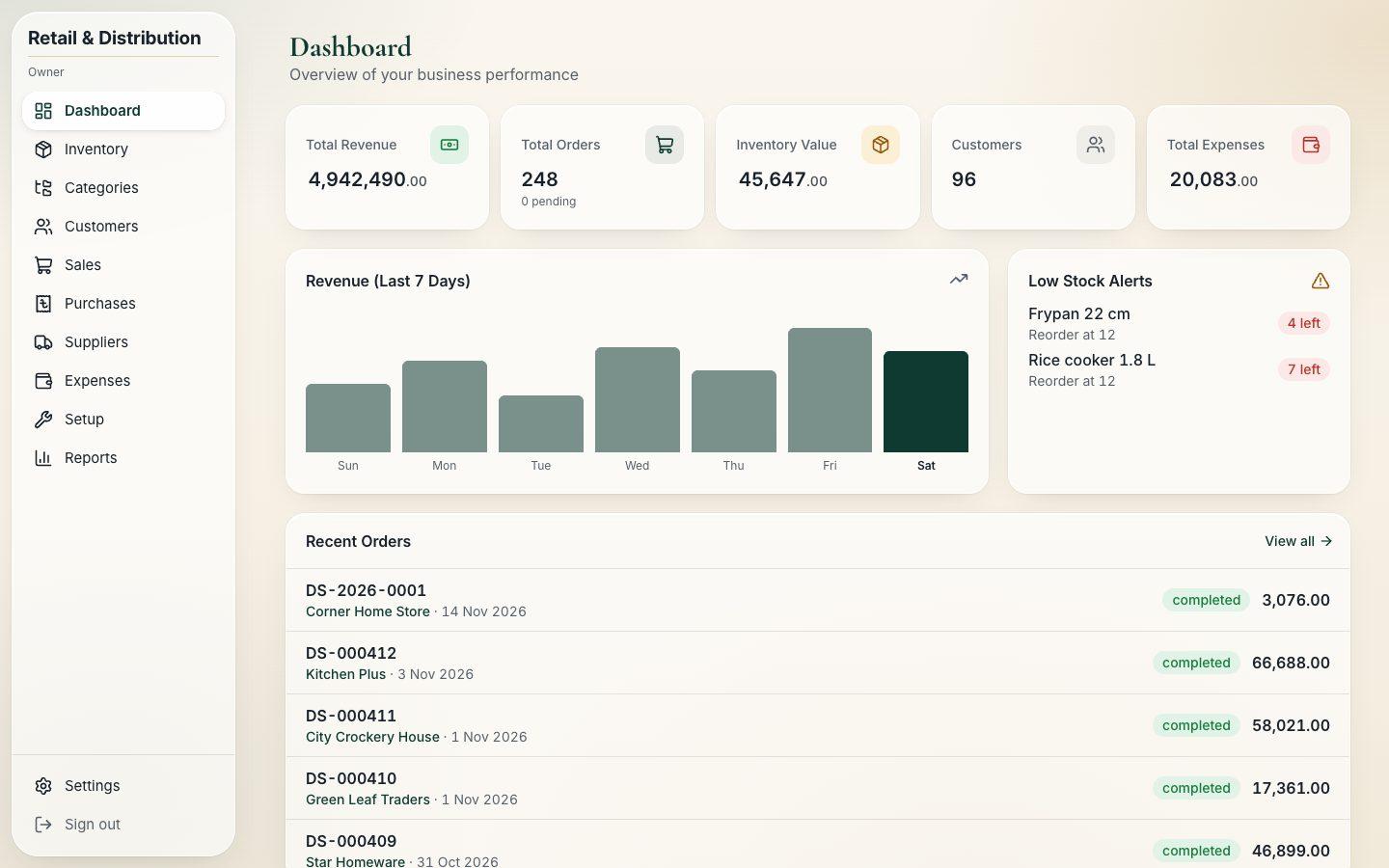 Client details hidden
Cookware distributor
Sales and accounts system for a cookware distributor
We built a system to invoice shops, collect payments, buy stock and keep the ledgers balanced.We built the system a cookware dealer uses to invoice retail shops, collect payments, buy stock and keep every ledger in balance.
See what we built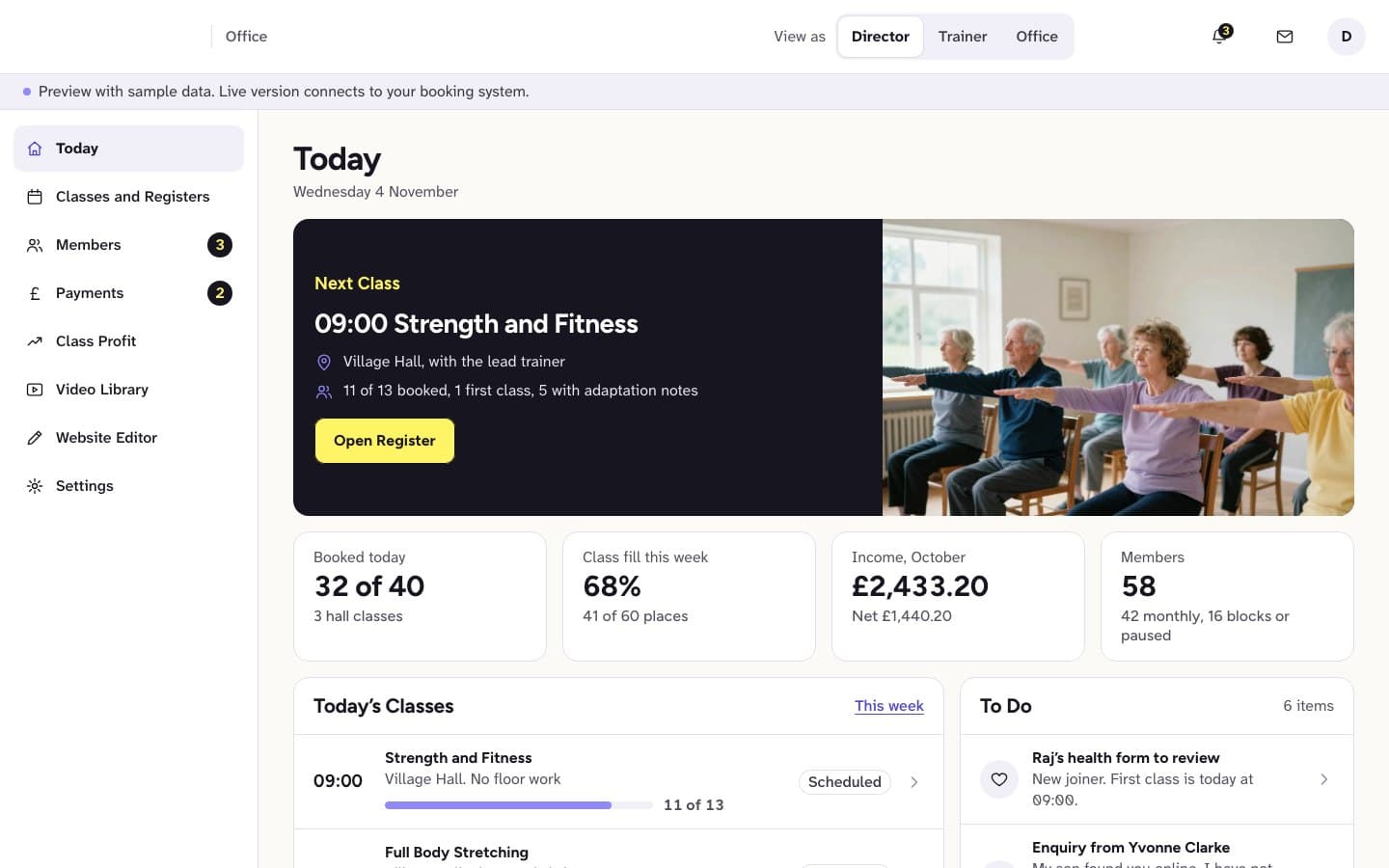 Client details hidden
Fitness provider for older adults, UK
Website and member portal for exercise classes for older adults
We built an easy-to-read website with a video library, simple joining and portal previews.We built an easy-to-read website with a video library and simple joining, plus member, family and office portal previews.
See what we built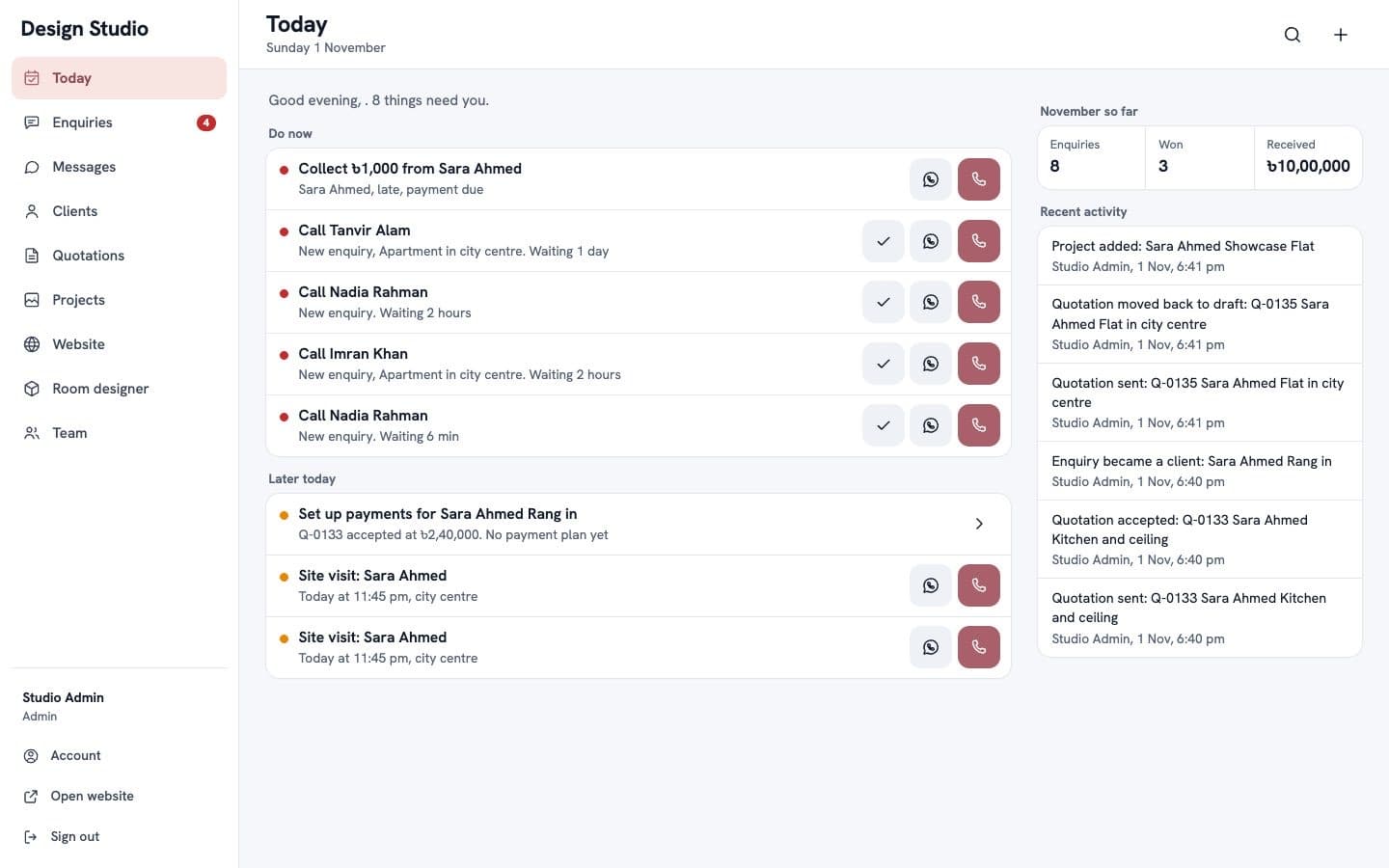 Client details hidden
Interior design studio
Staff and client portal for an interior design studio
We built a portal where the studio follows enquiries, messages clients and prepares quotations.We built the portal where the studio follows enquiries, messages clients, prepares quotations and keeps its website up to date.
See what we builtTell us what you need built.
Share the problem in a few lines. After one call you'll get a written scope and a fixed quote within 48 hours.