
Strategy and design
App and website design
We design products people can use without training: clear navigation, readable screens and forms that don't lose data. Everything is built from a component library your developers can reuse.
Overview
Screens that are simple to use from day one and stay tidy as you grow.
When software is hard to use, the cost shows up elsewhere: longer training, more support calls, abandoned sign-ups and staff who keep their own spreadsheets on the side. Good design removes that friction. It puts menus where people expect them, keeps forms short and forgiving, and makes every screen behave the same way, so the product feels familiar from the first visit.
Rather than starting with colours, we start with evidence: watching real users, reading your analytics and listing the screens that cause the most trouble. The page structure is reworked first, then each screen is drawn from one shared set of components for phone, tablet and desktop. Accessibility is checked as we go, and usability sessions catch problems before developers start building.
You receive Figma files, a component library and notes on spacing, states and behaviour, so your own developers or ours can build from them with confidence. Booking flows, company websites and a 3D room planner have all been designed this way. Because the components are reusable, screens added in later years match the originals instead of drifting apart.
- What you receive
- Figma files · Component library · Prototype · Accessibility notes
- Typical technology
- Figma · Storybook · Tailwind CSS
Who it's for
Is this right for you?
If you only need a simple business website, our website service already includes the design.
- A business whose staff need training just to use its own system
- An online service losing customers in sign-up or checkout
- A product whose screens have drifted apart in look and behaviour
Scope
What goes into it
Every engagement is scoped to your goal. These are the parts most projects include.
- UX auditWhere people get stuck today, with evidence.
- Information architectureMenus and page structure that match how people think.
- Visual designBrand-led screens for web, mobile and desktop.
- Design systemReusable components, colours and type in Figma and code.
- AccessibilityWCAG 2.2 AA contrast, focus and keyboard support.
- Usability testingSessions with real users before launch.
Timeline
How a typical project runs
Usual length: usually 4 to 10 weeks. Your written scope gives the exact plan.
01Weeks 1–2
Where people get stuck
We watch real users, review your analytics and list the screens that cause the most trouble.
02Weeks 2–3
Menus and page map
We rework the navigation and page structure so things sit where people expect to find them.
03Weeks 3–8
Screen design and components
We design each screen from one shared set of parts in Figma, for phone, tablet and desktop.
04Weeks 8–10
Usability sessions and handover
Real users try the prototype, we fix what trips them up, then hand the files to your developers.
One-time project
A fixed quote for an agreed scope, paid in milestones. You own the code and accounts once it's paid.
Monthly care plan
A monthly subscription that keeps your software secure, monitored and improving, with response times in writing.
Getting started
What happens after you get in touch
- 01Tell us the problemA short form or a call. A senior lead replies within one working day.
- 02One callWe sign an NDA first if you need one, then go through your goals, users and current systems.
- 03Written scope and fixed quoteWithin 48 hours of the call, with milestones and a timeline.
- 04Build in milestonesYou see working software at every milestone, and you own what we build.
Questions
Before you ask
What changes the size of the job
- How many distinct screens and states need designing
- Whether you need phone, tablet and desktop layouts or just one
- Whether you need a full design system or a few key screens
Can you redesign an existing system without rebuilding it?
Yes. We can redesign screen by screen and ship the changes into your current codebase.
Do you need our brand guidelines first?
It helps, but it isn't required. We can work from your logo and colours, or create a brand guide alongside the design.
Can our own developers build from your designs?
Yes. You get Figma files, a component library and notes on spacing, states and behaviour, so any capable developer can build from them.
How is this priced?
As a one-time project with a fixed quote, agreed after a short call and paid in milestones. After launch you can add a monthly care plan for hosting, updates and support.
Previous work
Projects where we did this
 Client details hidden
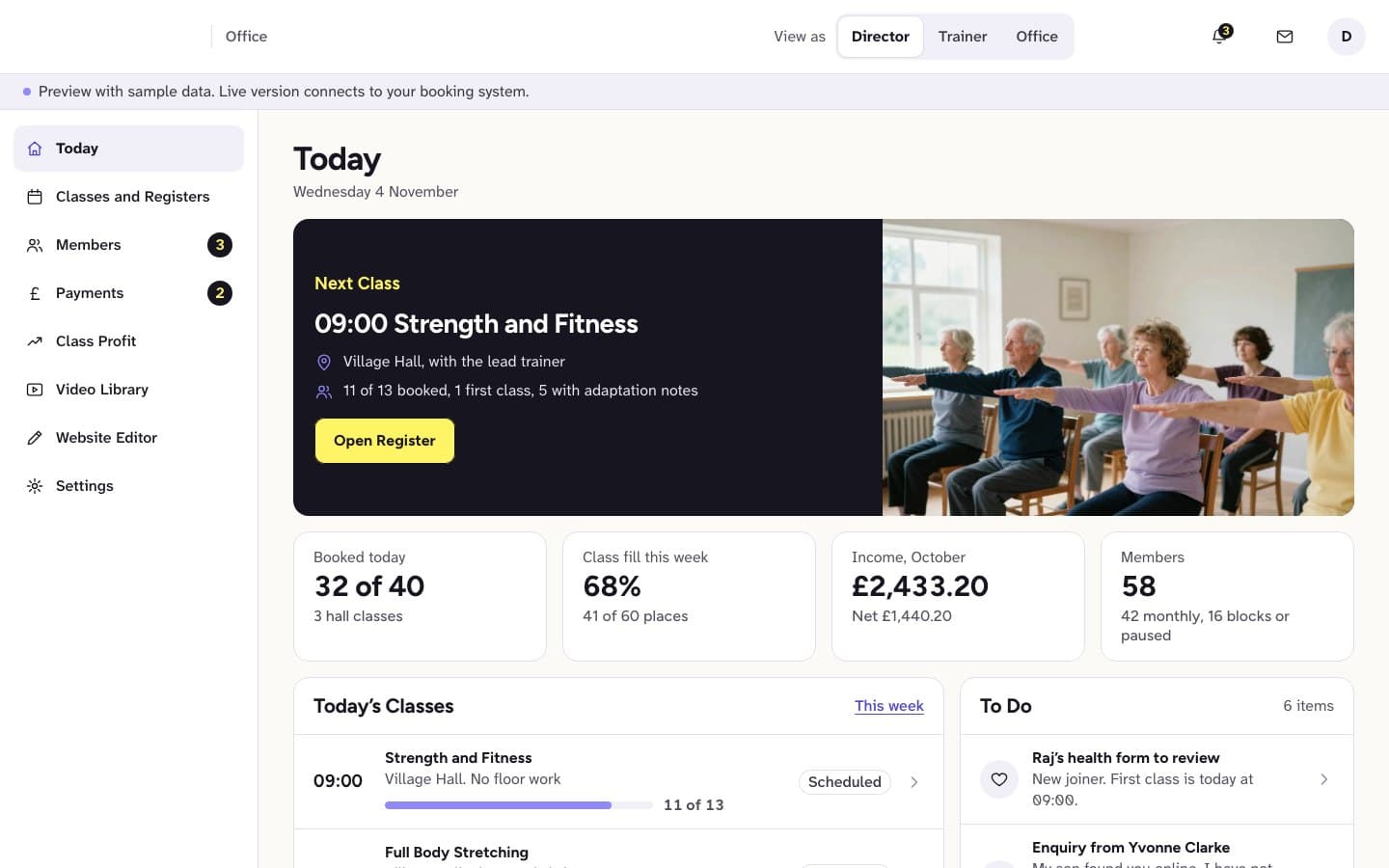
Fitness provider for older adults, UK
Website and member portal for exercise classes for older adults
We built an easy-to-read website with a video library, simple joining and portal previews.We built an easy-to-read website with a video library and simple joining, plus member, family and office portal previews.
See what we built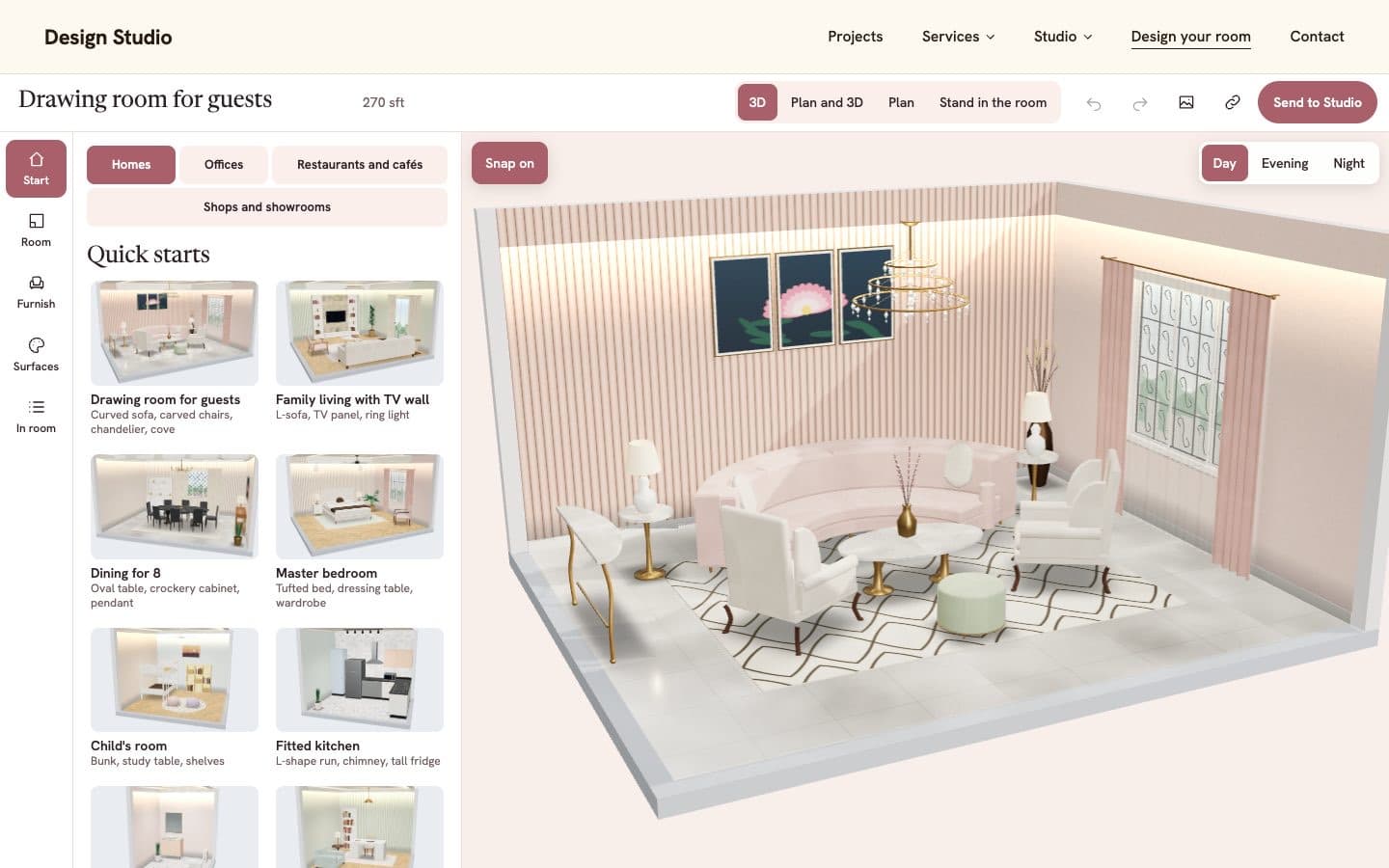 Client details hidden
Interior design studio
3D room designer for an interior design studio
We built a tool for planning a home, office or shop in 3D and sending the design to the studio.We built the tool visitors use to plan a home, office, restaurant or shop in 3D and send their design to the studio.
See what we built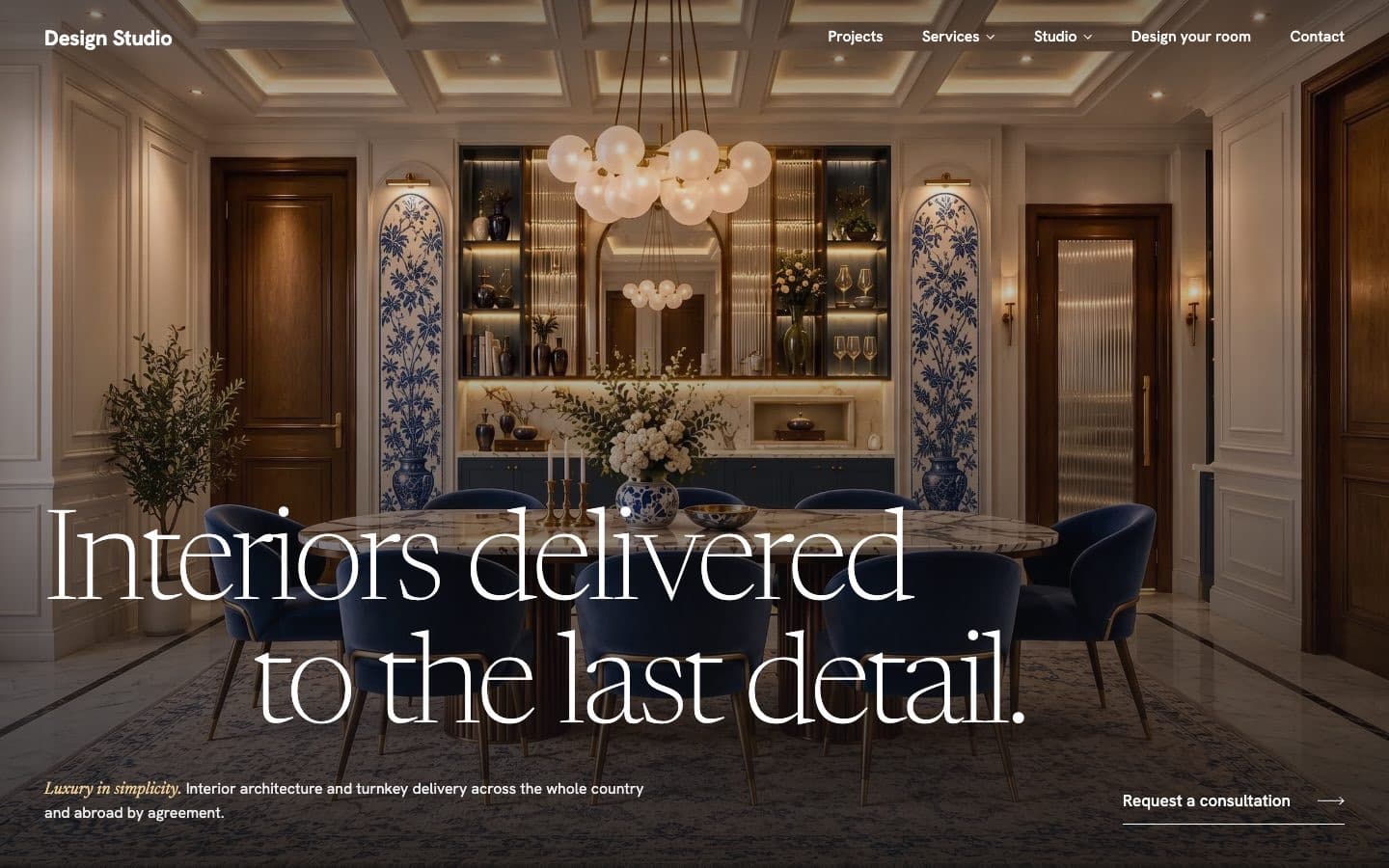 Client details hidden
Interior design studio
Website for an interior design studio
We built the studio's website with its projects, services and a way for clients to start one.We built the studio's website with its projects, services and a way for clients to start a project.
See what we built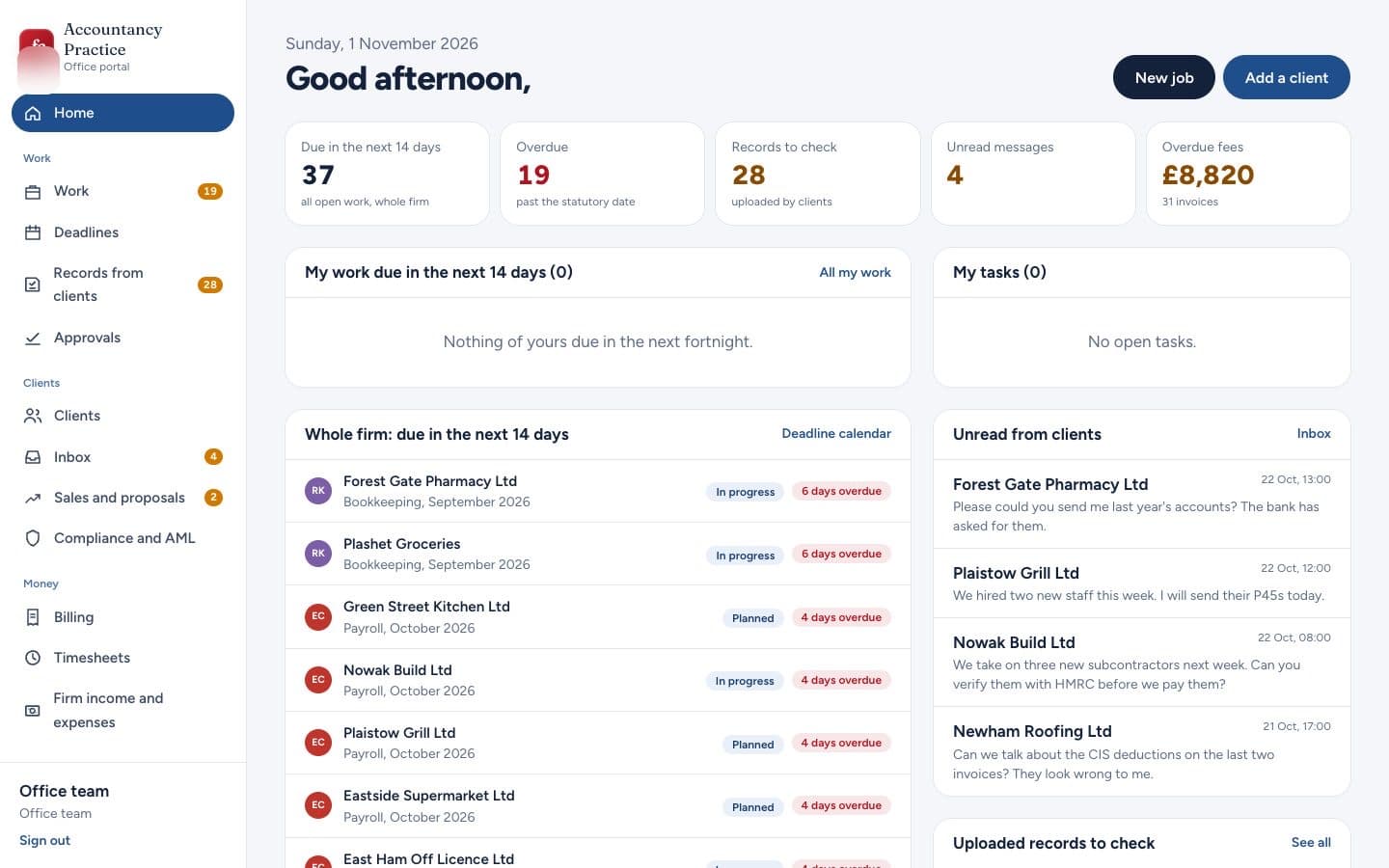 Client details hidden
Accountancy firm, UK
Website and portals for an accountancy firm
We built a website with free tax tools and a tax diary, plus portals for clients and the team.We built a website with free tax tools and a tax diary, a portal for clients and an office portal for the team.
See what we builtMore in strategy and design
Tell us what you need built.
Share the problem in a few lines. After one call you'll get a written scope and a fixed quote within 48 hours.